
Sign up & Log In
Dieser Inhalt ist noch nicht in deiner Sprache verfügbar.
RealityPlatform offers a seamless process for signing up and logging in, ensuring secure access to projects and collaboration tools. Follow these steps to get started
How to Sign Up and Log In to RealityPlatform
Section titled “How to Sign Up and Log In to RealityPlatform”Receiving an Invitation
Section titled “Receiving an Invitation”When a project is shared with you, you’ll receive an email invitation to join RealityPlatform. Here’s what to do:
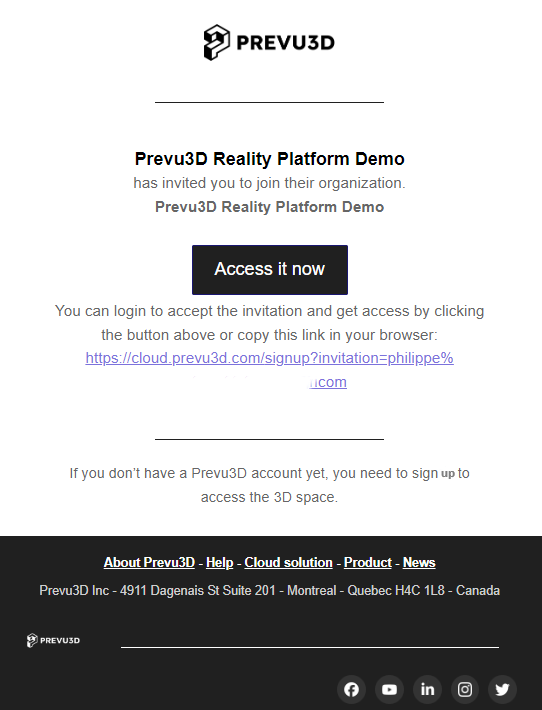
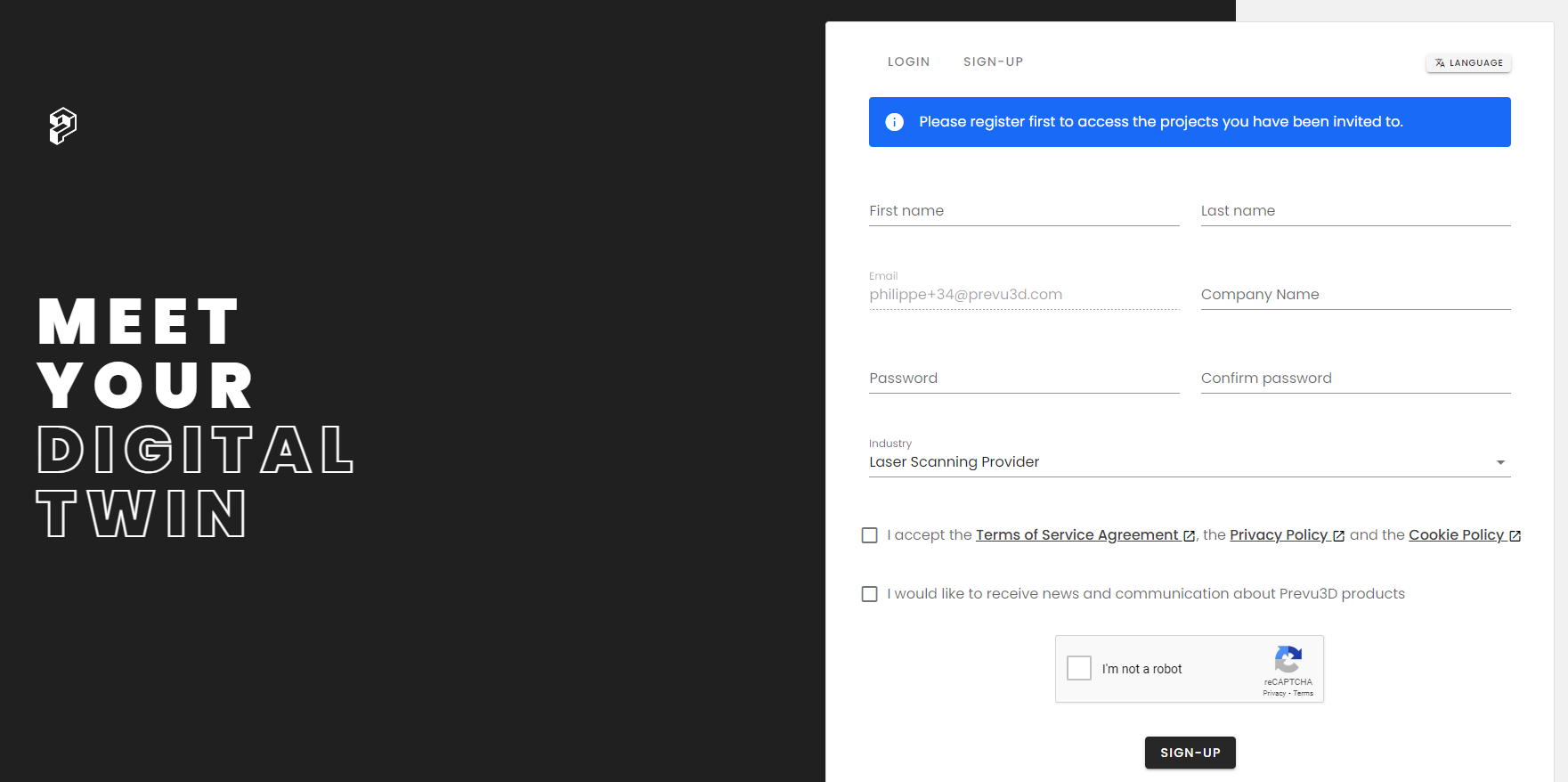
- New Users: If you don’t have an account yet, clicking the invitation link will direct you to our Register page where you can complete the sign-up process.
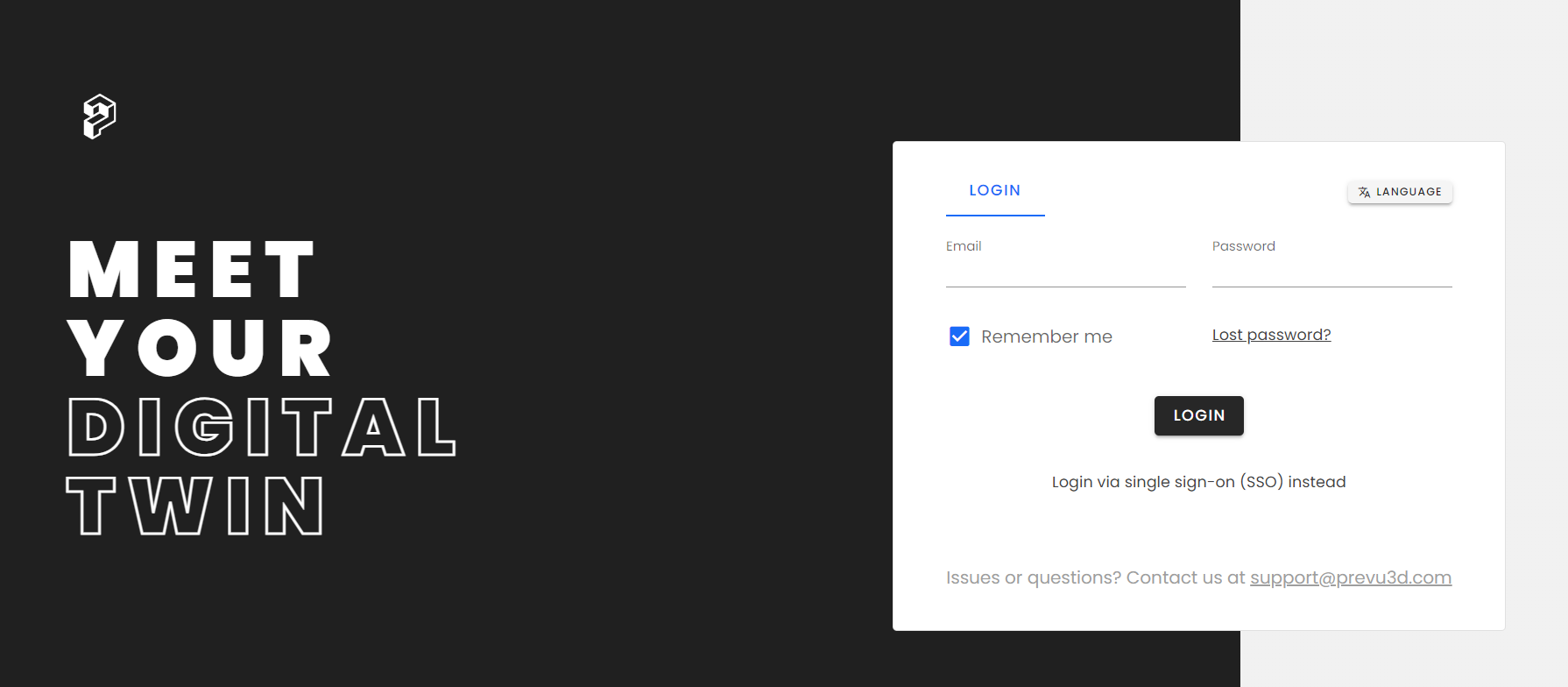
- Existing Users: For those with an account, simply log in, and you’ll be prompted to accept the invite to access the shared content.
Once the invitation is accepted, you’ll have access to the content for which you received the invite.
Accessing RealityPlatform
Section titled “Accessing RealityPlatform”To make logging in quick and easy, we recommend bookmarking the RealityPlatform web page
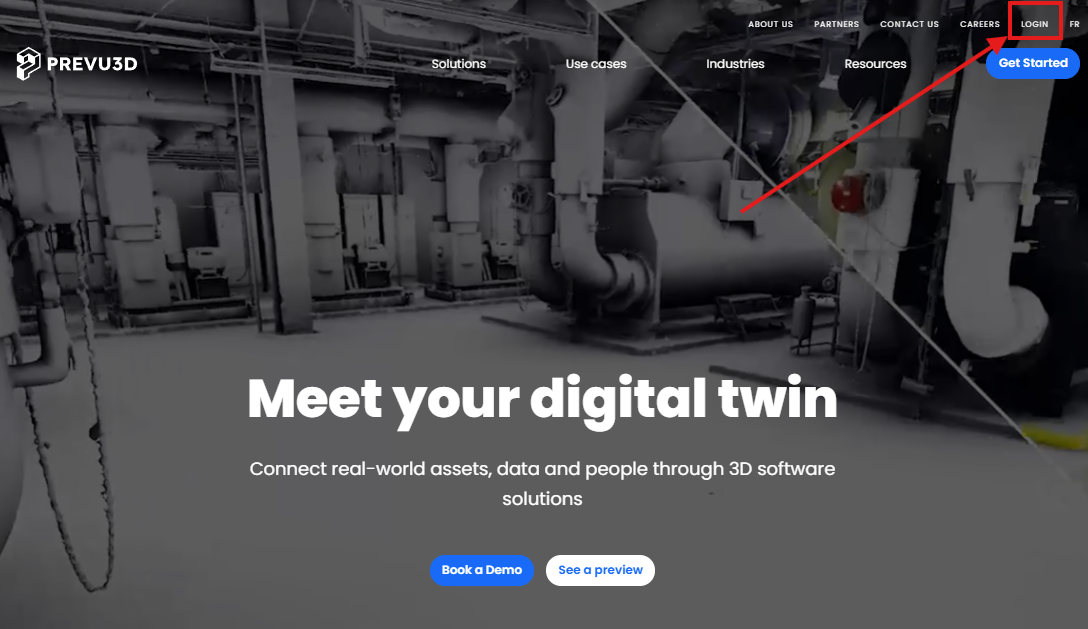
Alternatively, you can also click the Login button from the main Prevu3D website
Resetting Your Password
Section titled “Resetting Your Password”If you’ve forgotten your password, don’t worry! Follow these steps to reset it:
-
On the Login page, click Lost Password?
-
Enter your email, and you’ll receive instructions to reset your password.
Single Sign-On (SSO)
Section titled “Single Sign-On (SSO)”For users with Single Sign-On (SSO) configured:
-
Click the Login via SSO button on the login page to access RealityPlatform securely through your SSO provider.
-
With these easy steps, you’ll be set up and ready to access RealityPlatform for seamless collaboration and project management.