
How to Use the Inventor Plugin
Enable the connection between Prevu3D and Inventor
Section titled “Enable the connection between Prevu3D and Inventor”From the top bar, go to RealityConnect -> Server Settings and Start the connection.
To disconnect, you can repeat the action.
Features
Section titled “Features”The plugin features will be available on the tool bar in the tab named Prevu3D.

Sync Scan
Section titled “Sync Scan”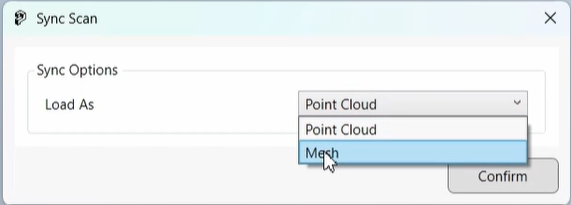
Clip Scan
Section titled “Clip Scan”You can use the Inventor clipping tool to create a clip and then use the Clip scan feature to upload the clipped scene. The upload can be done as a mesh or as a point cloud and the LOD can be chosen on a scale 1-10.