
Custom Avatar
You may explore any environment in RealityPlan using your own avatar.
Once you’ve created your custom avatar and logged into the app open the user menu and click on the avatar button.
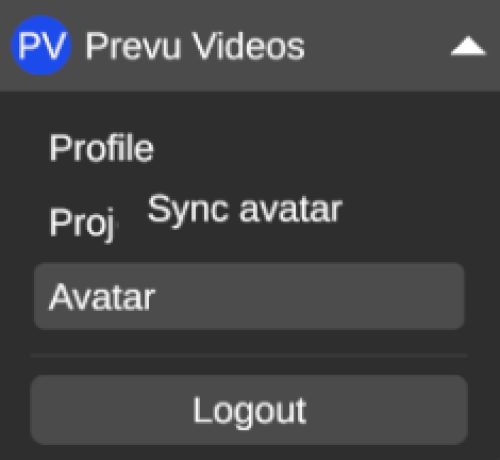
Update avatar
Section titled “Update avatar”If you wish to change or update your avatar you can do this by re-following the steps in the Setup above.
Change avatars
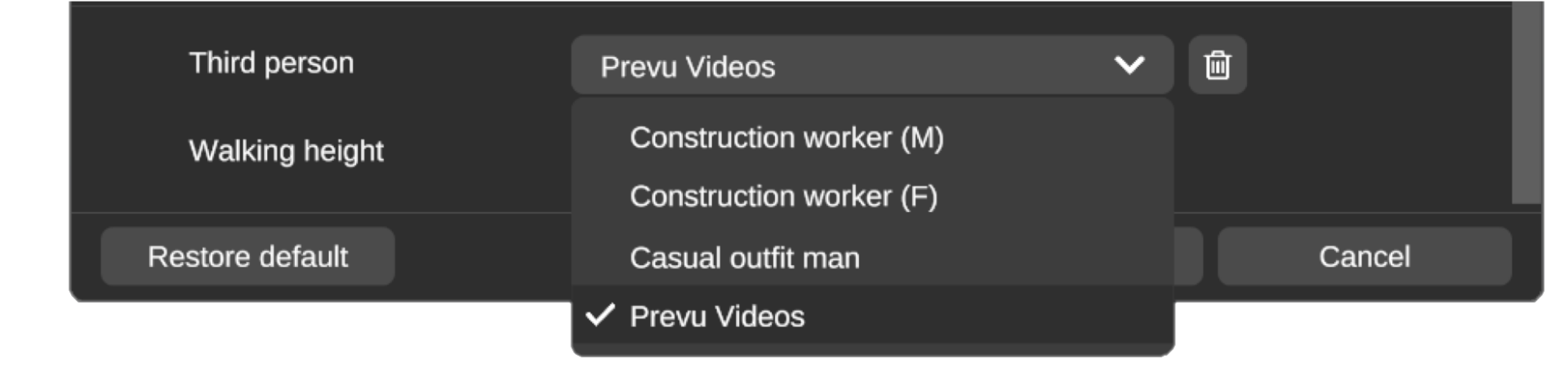
Section titled “Change avatars”If you want to change back to one of the default avatars or another custom avatar you can change this by accessing the settings window and changing the Third person setting.
Delete avatars
Section titled “Delete avatars”If you want to delete an avatar you can do this by accessing the settings window, changing the Third person setting to the avatar you wish to delete and pressing the trashcan icon next to it.