
RealityPlan Hub Overview
Explore your projects, and easily download or run your environments with a few clicks.
Login to the RealityPlan Hub
Section titled “Login to the RealityPlan Hub”To download your environment first you need to open the hub and login to your account, to do this click on one of the login buttons hightlighted in the image below.
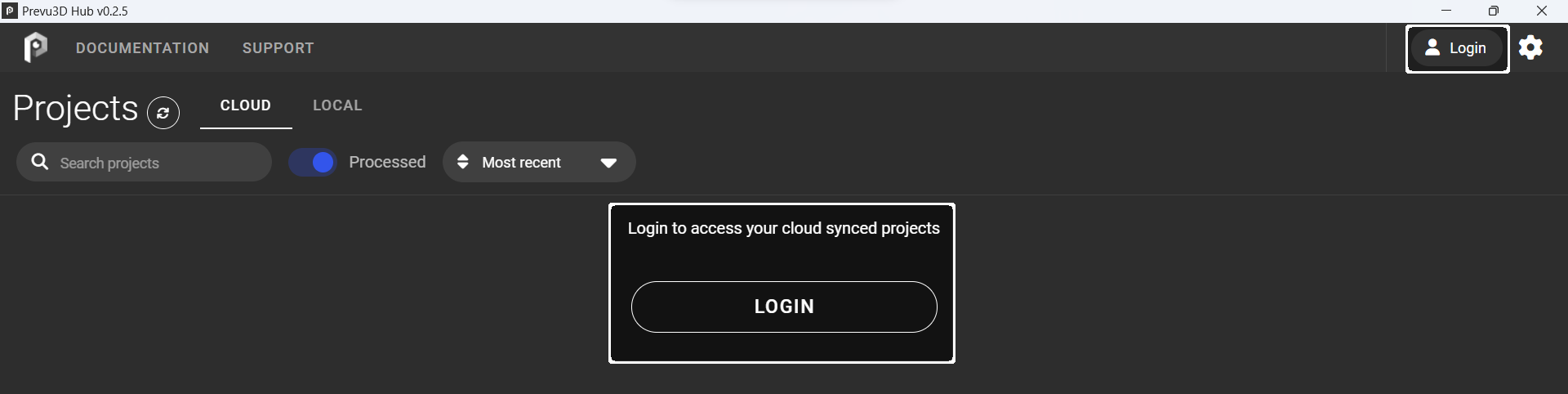
After pressing the login button a window should open on your browser asking you to login to the cloud platform, or, if you’re already logged in to confirm that you want to login to the hub.
Interface overview
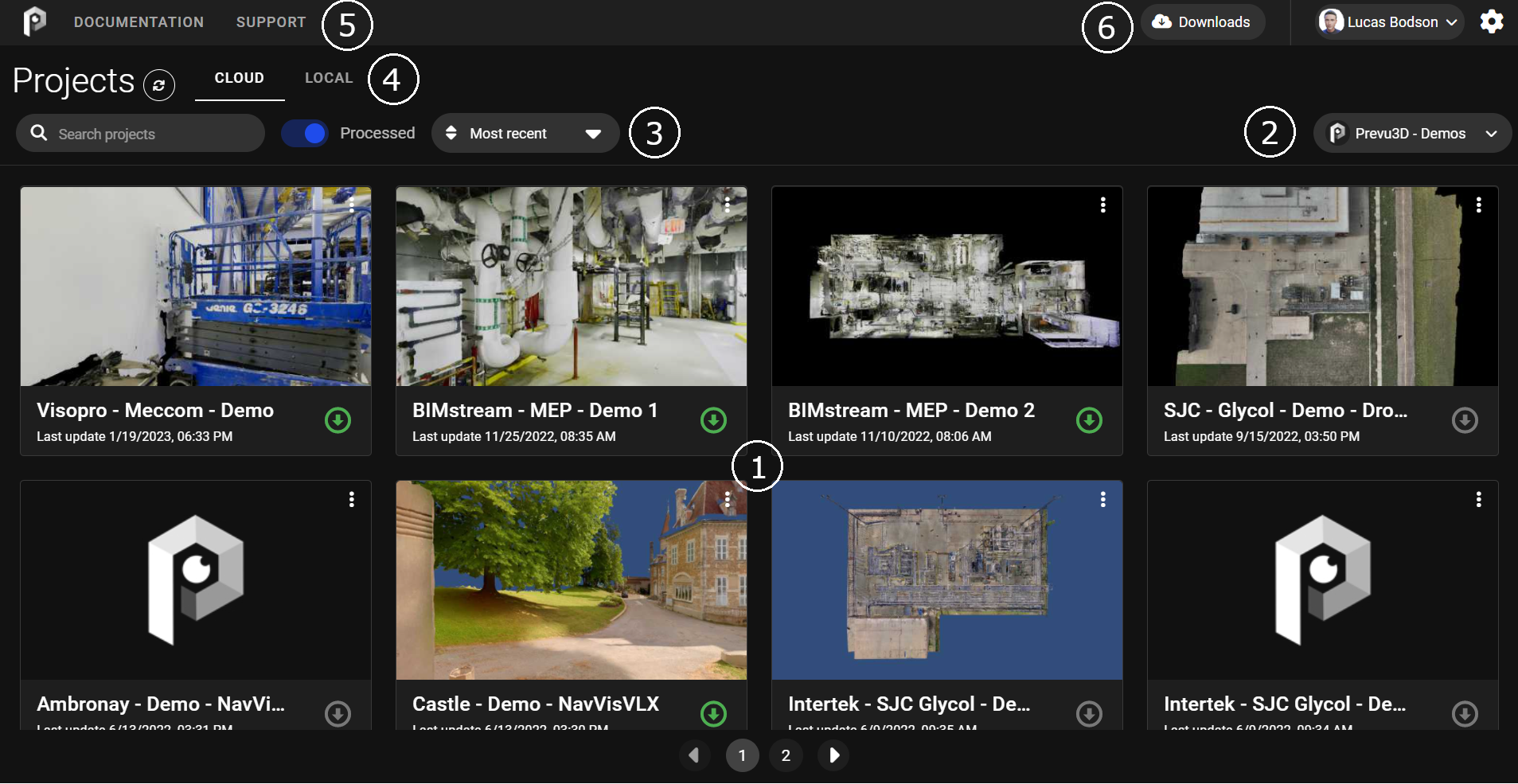
Section titled “Interface overview”The hub interface is divided in 6 main areas as shown below:
Download your environment
Section titled “Download your environment”Once your project has been processed on RealityPlatform it will become available for download on the hub.
To download your environment search its name on the search bar and click on the download button, you will see the downloads window opening and showing you the state of your download.
Running the application
Section titled “Running the application”You can inmmediately open the app by clicking on the desired environment. The project data will keep downloading while you run the app. You can also download your project prior to opening it.