
Export 2D
The application allows you to easily generate a 2D plan from a slice of the environment. You can export the generated plans as PNG/JPEG image or as AutoCAD DXF.
Generate a simple or multiple layer plan
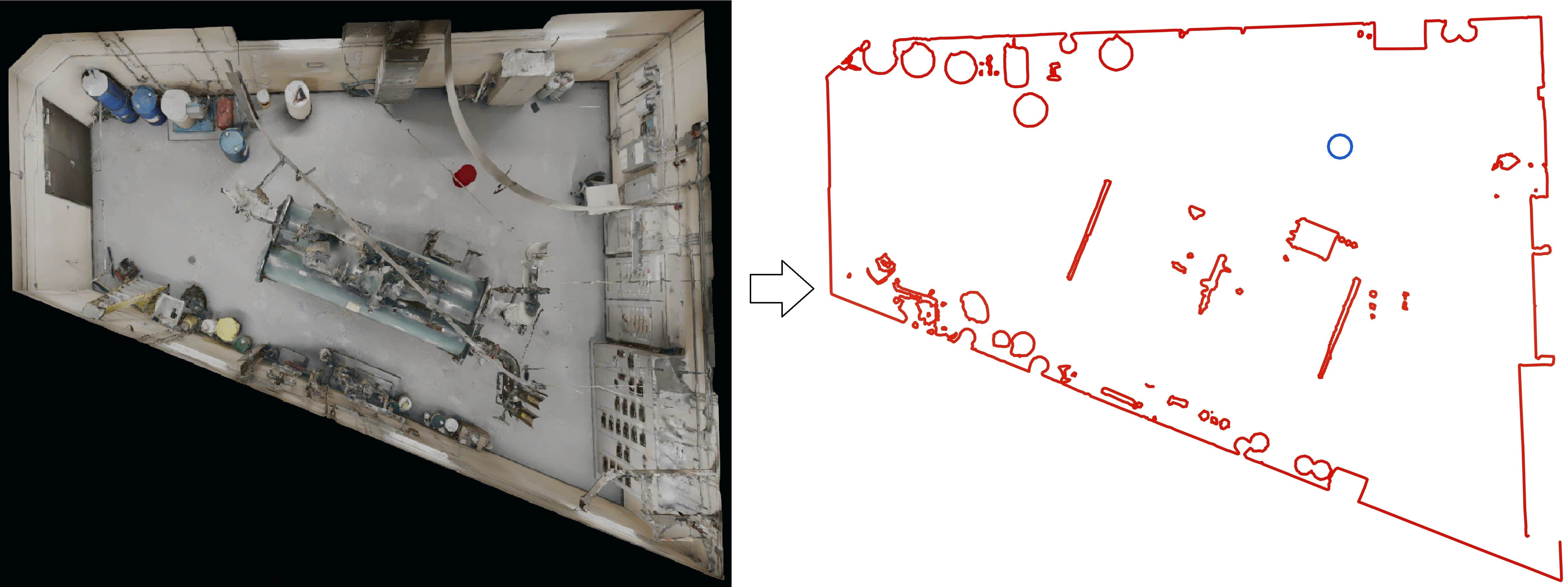
To generate a plan:
-
Select the export -> floor plan tool in the toolbar
-
Adjust the height of the slice you want to make a floor plan with
-
Choose whether you want to include the 3D models and measures in the floor plan
-
Click on save plan to export the plan as an image (PNG, JPEG) or as a DXF file (AutoCAD)
Generate an orthophoto (orthographic image)
Section titled “Generate an orthophoto (orthographic image)”Using the Clipping box tool, you can generate orthophotos using various visualization modes. Using the face selector, you can easily select the face you would like to export as an orthophoto.
The face that will be exported is always highlighted in red and you may resize the section of the face export by using the mouse to resize the clipping box.
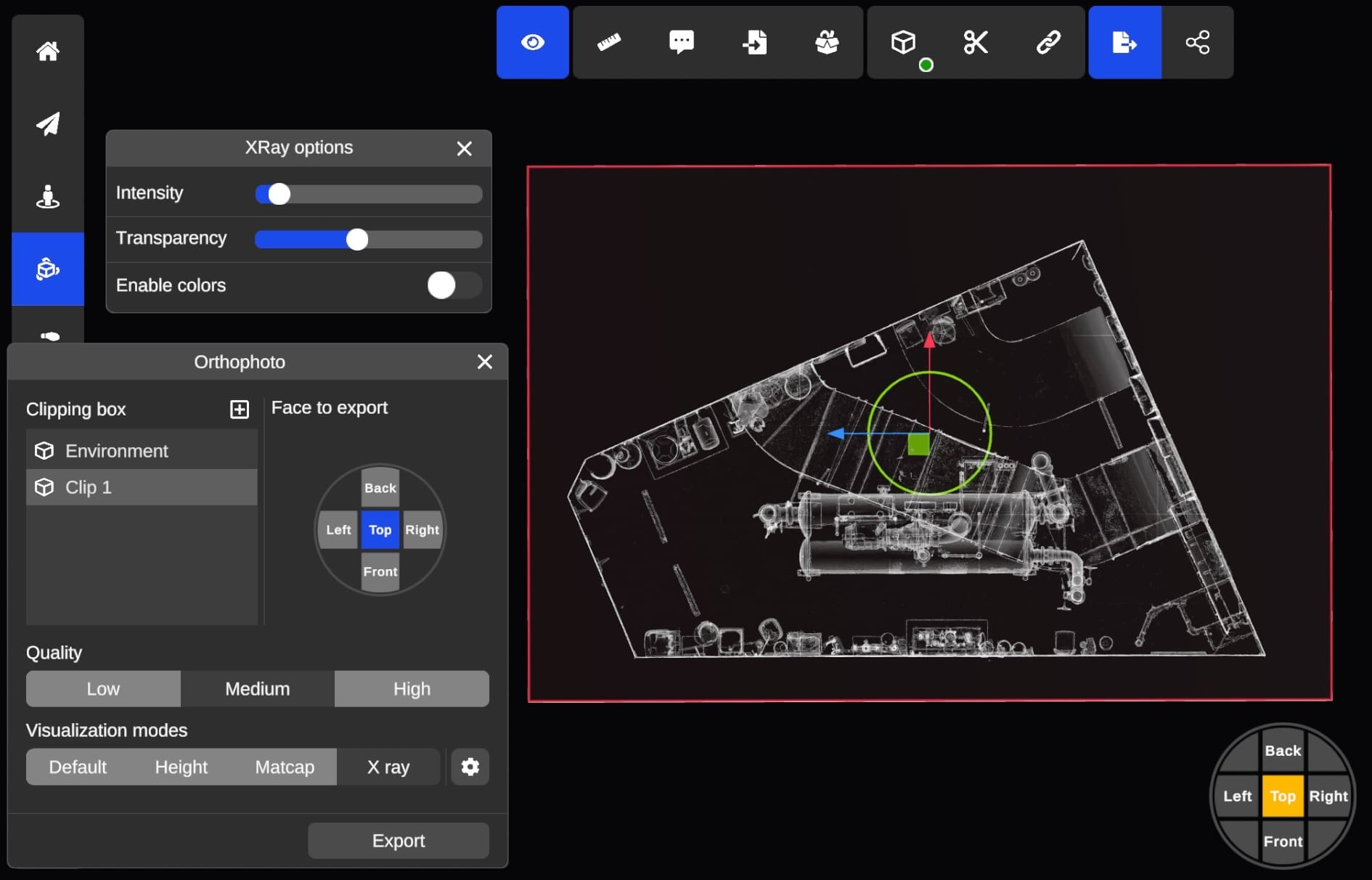
The following formats are supported for orthophotos export:
| Extension | Type | Comment |
|---|---|---|
| PNG | Image | A single image |
| DXF | DXF with XREF images | You may have to reload the XREF images in AutoCAD for them to appear. Opening DXF with XREF images is only supported with Autodesk viewers (AutoCAD etc.) |