Installation
Install the RealityConnect for Nx to manage and run your projects effortlessly—just download, run the installer, and follow the steps
Supported Nx versions
Section titled “Supported Nx versions”2406, 2412, 2506 and 2512
Download the installer
Section titled “Download the installer”Visit the following page to download the latest plugin version: https://cloud.prevu3d.com/settings/apps-and-plugins
Install the RealityConnect for Nx plugin
Section titled “Install the RealityConnect for Nx plugin”-
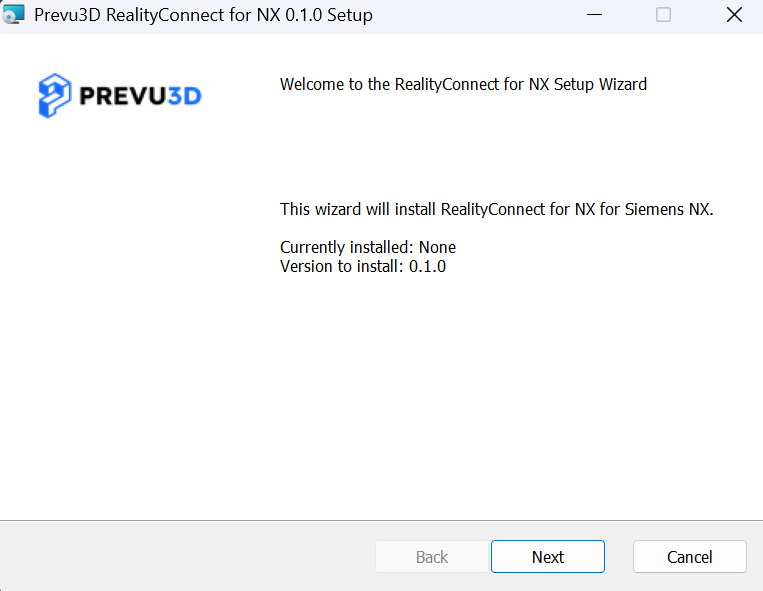
Double-click the .msi file to launch the installation wizard.
-
Follow the prompts in the wizard to complete the setup.
-
Restart Nx to activate the plugin.