Clipping Box
Clipping Boxes are a great way to focus your attention to a specific area of your environment.
Clipping manager
Section titled “Clipping manager”You can create a Clip in order to view sections of your space. In order to create a new Clip:
-
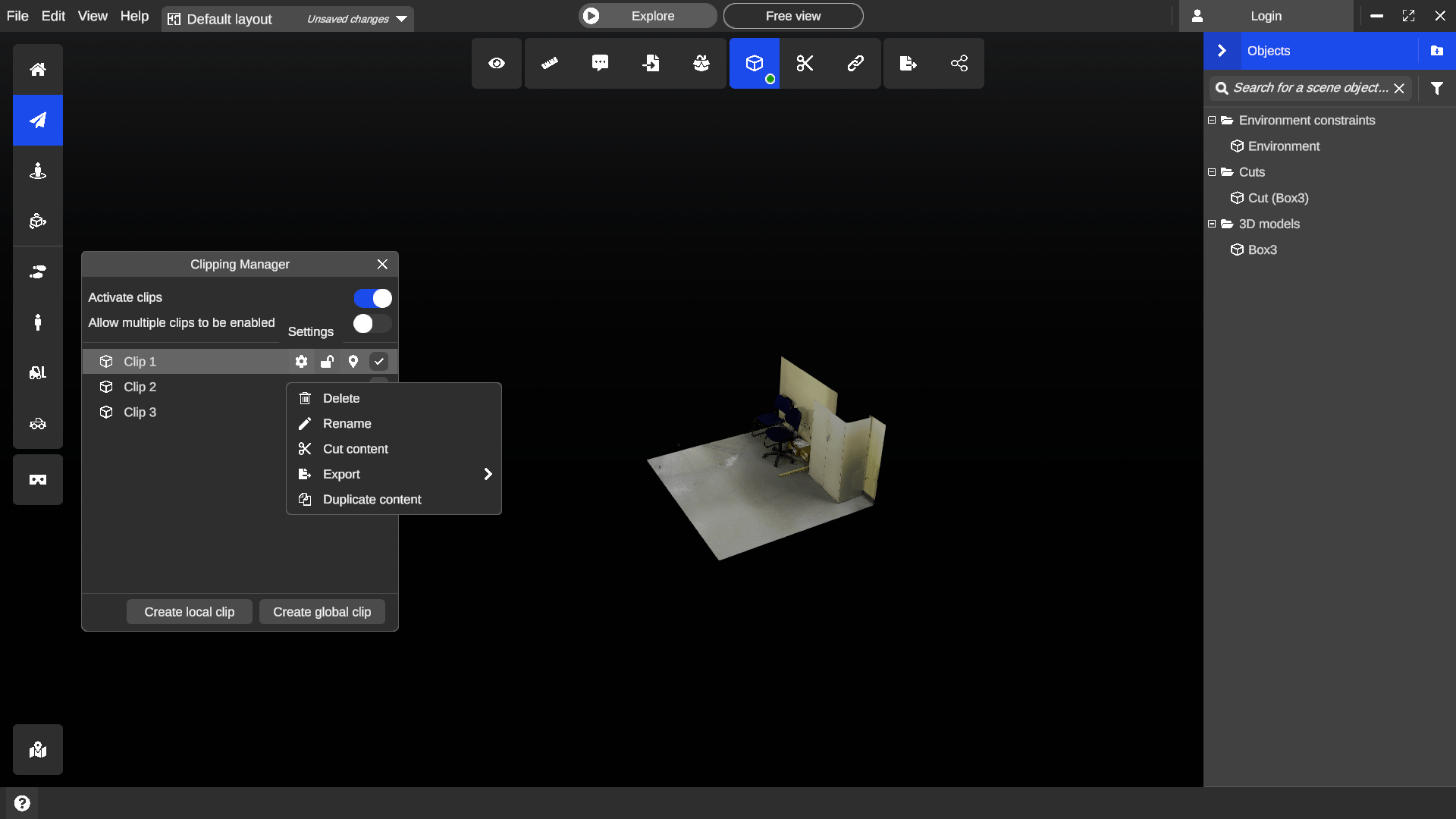
Select the Clipping Manager tool located in the top toolbar.
-
Choose either a global or a local clips to create sub-areas.
-
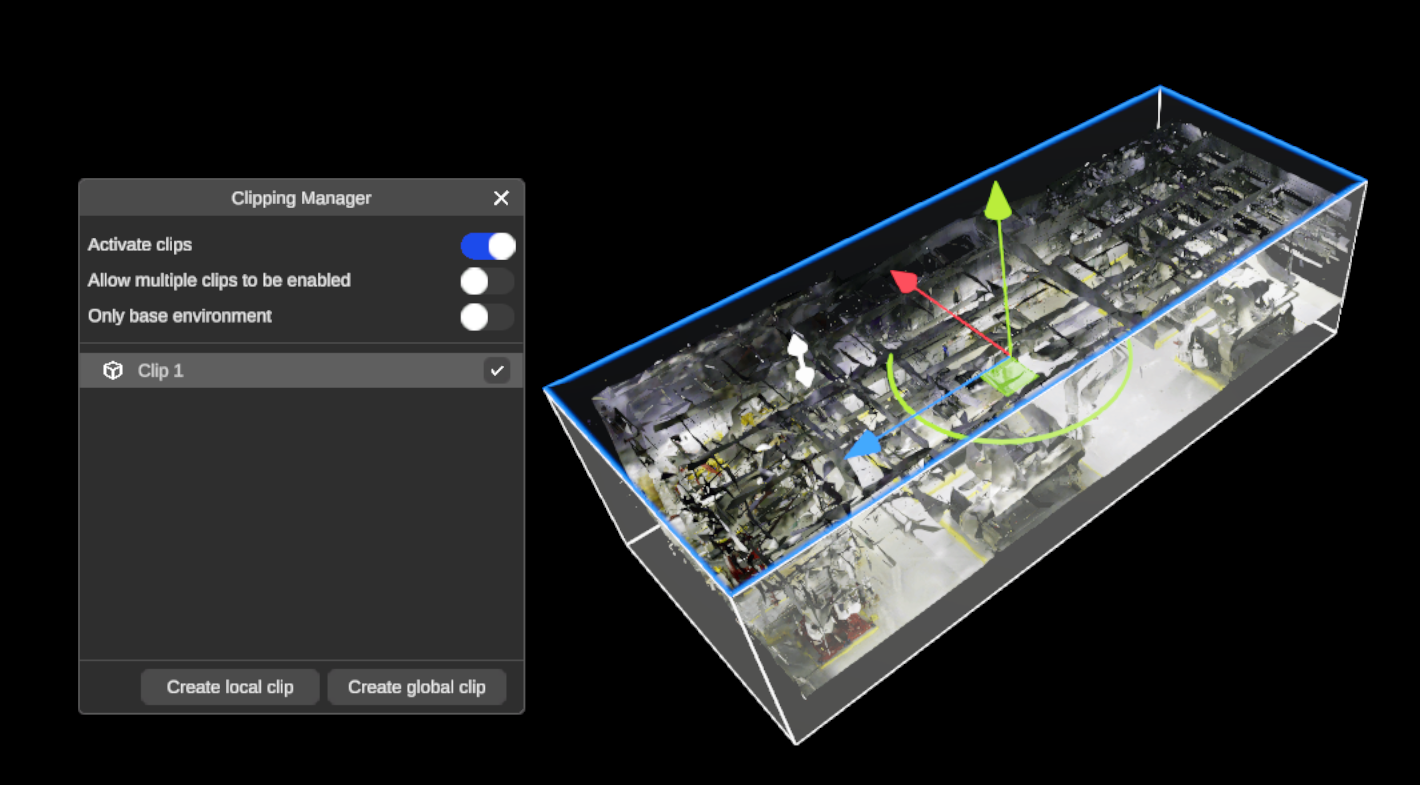
You can use the handles to edit your Clip to the desired size and position by selecting faces. The face you select will highlight in blue, making it easier to see which side you are adjusting.
Multiple operations are available to operate on the content of the clip box:
-
Duplicate
-
Cut
-
Create orthophoto
-
Floor plan
-
Export 3D