
White Label
Customize the RealityPlatform experience with your own branding, domain, and authentication settings using White Label.
What is White Label?
Section titled “What is White Label?”The White Label feature allows organizations to personalize their RealityPlatform experience by customizing branding elements and accessing the platform through a dedicated domain. This provides a seamless, branded experience for users while maintaining all the capabilities of RealityPlatform.
Value of White Label
Section titled “Value of White Label”By enabling White Label, organizations can:
-
Strengthen brand identity with a custom domain and logos.
-
Provide a familiar and professional experience to their users.
-
Customize authentication settings for a smoother login process.
How to Enable White Label
Section titled “How to Enable White Label”White Label is not enabled by default. To activate it for an account, contact your Account Manager or Customer Success Team. Once enabled, our team will configure your custom domain, replacing the standard RealityPlatform URL “cloud.prevu3d.com” with a personalized one “yourCompanyName.prevu3d.com”.
How to Configure White Label
Section titled “How to Configure White Label”1. Upload Your Branding Elements
Section titled “1. Upload Your Branding Elements”Once White Label is set up, administrators can upload branding elements from the Organization Settings page:
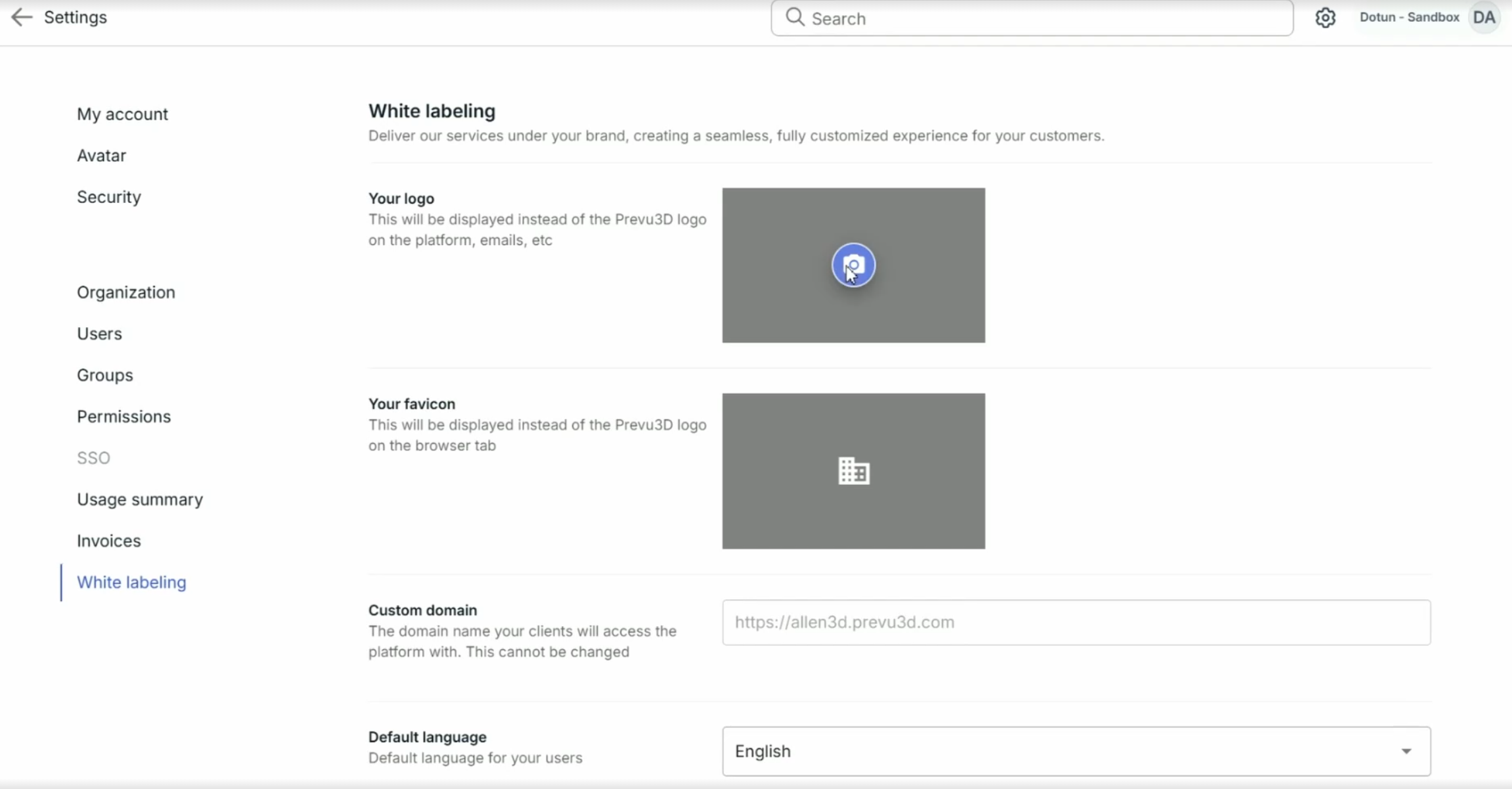
-
cloud.prevu3d.comMain Logo:
-
Appears in the top-right corner of the RealityPlatform interface.
-
Replaces the login/sign-up page logo.
-
Displays in email notifications sent to users.
-
-
Favicon:
- The small icon displayed on the web browser tab.
2. Customize Additional Settings
Section titled “2. Customize Additional Settings”White Label also provides additional customization options:

-
Set a Default Language — Define the preferred language for all users accessing the domain.
-
Prioritize Single Sign-On (SSO) by displaying it as the default login method instead of email/password.
-
Enforce White Label Redirect — Ensure all users access the platform through the branded domain. Even if they attempt to log in via cloud.prevu3d.com, they will be automatically redirected to myCompanyName.prevu3d.com.