Configure and Test the AWS SiteWise Integration
Prerequisites
Section titled “Prerequisites”-
Integration Server deployed and registered on the platform
-
AWS SiteWise configured
-
An IAM profile configured on the client machine or on the Integration Server directly with required permissions to access AWS SiteWise.
Supported query types
Section titled “Supported query types”- Get the current property values for an AWS SiteWise asset
Supported features
Section titled “Supported features”- Automatic UoM support
Configuration steps
Section titled “Configuration steps”This guide will describe how to configure the AWS SiteWise integration to retrieve data in a RealityAsset. This guide will assume that an IAM profile with the correct permissions is already available.
The main steps in order to configure the AWS SiteWise integration are the following :
-
Register the AWS SiteWise data source on RealityPlatform
-
Link the integration to an Asset Type
-
Send a test query in order to validate the connection to AWS
Register the AWS SiteWise data source on the Integration Server
Section titled “Register the AWS SiteWise data source on the Integration Server”-
Add the new data source
-
Select the
AWS_IOT_SITEWISEtype -
Fill up the required parameters to establish the connection
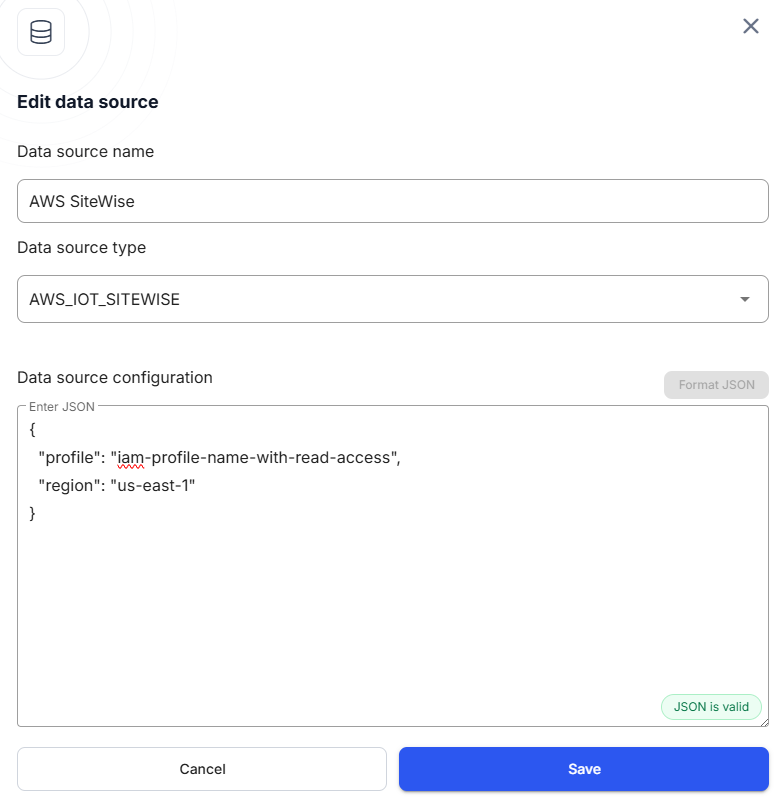
AWS IoT SiteWise data source parameters
Section titled “AWS IoT SiteWise data source parameters”{ "profile": "exampleProfile", "region": "us-west-2"}profile (optional)
Section titled “profile (optional)”The IAM profile that will be used to authenticate against AWS IoT SiteWise. If none are selected, the default profile will be used.
region (optional)
Section titled “region (optional)”The name of the AWS region that the integration will connect to.
Possible values
Section titled “Possible values”The list of supported regions is available here.
Linking Asset Type Properties to AWS IOT SiteWise
Section titled “Linking Asset Type Properties to AWS IOT SiteWise”Before linking, make sure you have:
-
An existing Asset Type with a property to hold the required AWS IOT SiteWise parameter values (e.g.,
Asset ID). It must be a “Short text” property type. -
An Integration Server configured with an AWS IOT SiteWise data source and queries.
To link an Asset Type property to AWS IOT SiteWise:
-
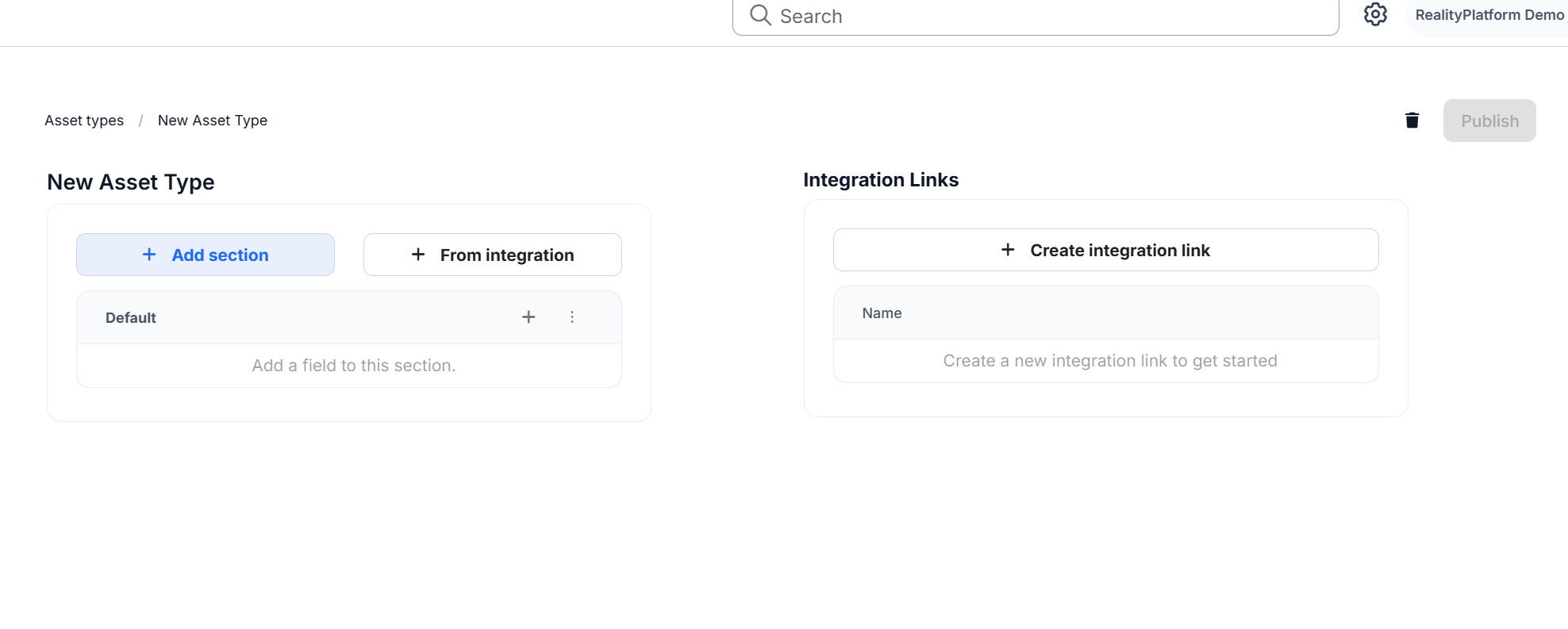
In Asset Settings → Asset Types, open the Asset Type you want to link.
-
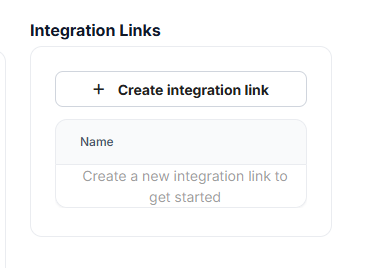
In the Integration Links panel (right side), click Create Integration Link.
-
Enter a link name and select the Integration Server configured for AWS IOT SiteWise.
-
Choose the appropriate data source
-
Choose the desired query:
-Get AWS SiteWise Asset attributes values
Retrieves the attributes of the asset.Parameters:
- AssetId
-
For each required parameter (e.g.,
AssetId), select the Asset Type property that should provide its value (e.g.,Asset ID).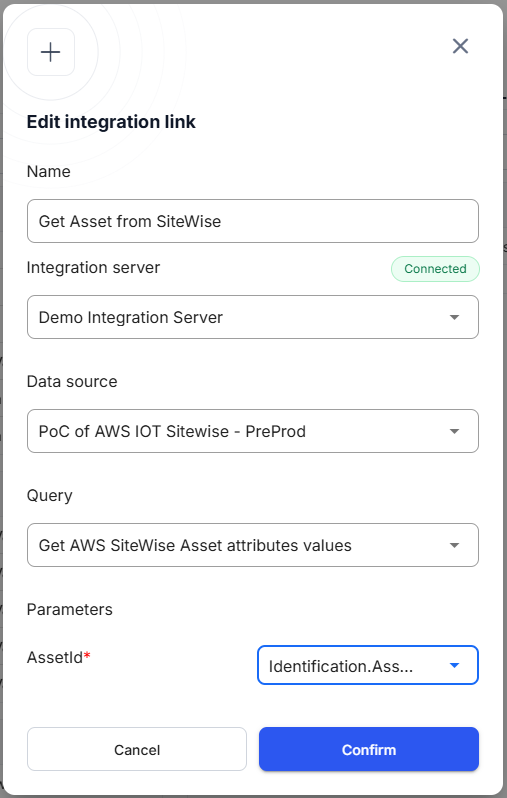
-
Click Save to create the link.
When this Asset Type is assigned to assets, the linked property values will automatically be passed to AWS SiteWise when running the integration.
Send a test query to validate connectivity between RealityPlatform and AWS IOT SiteWise
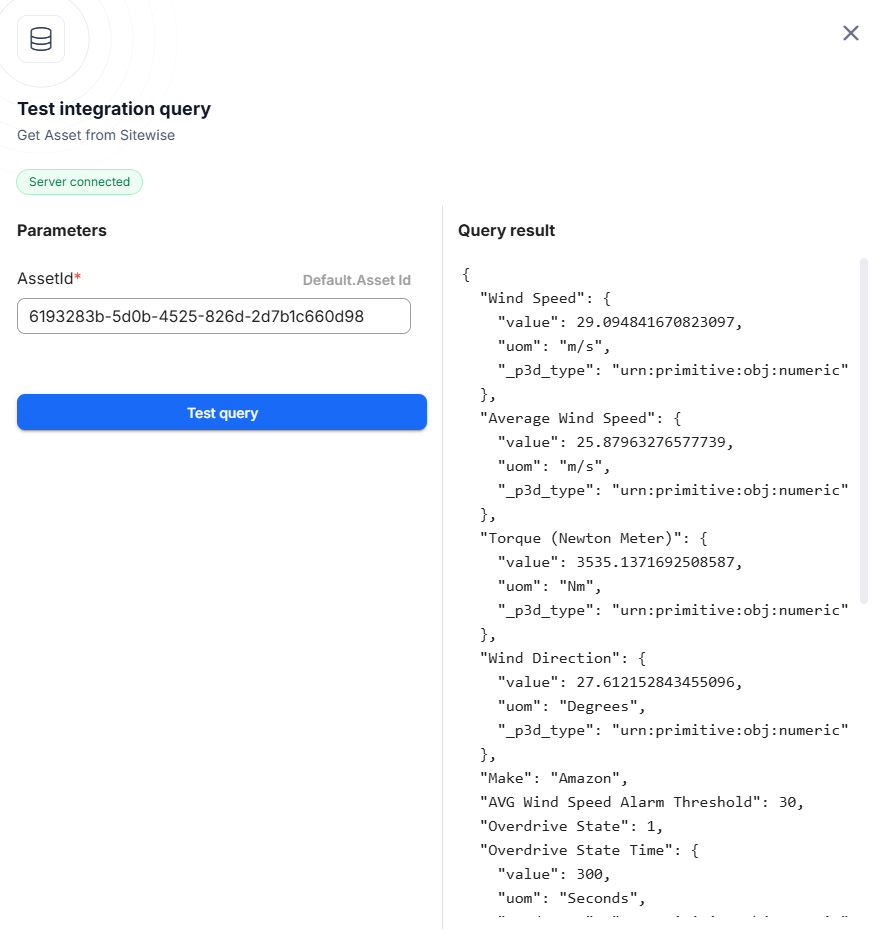
Section titled “Send a test query to validate connectivity between RealityPlatform and AWS IOT SiteWise”- On the Asset Type Settings page, click on the play button next to the integration link that is targeting the AWS IOT SiteWise data source. This will open the test query menu.
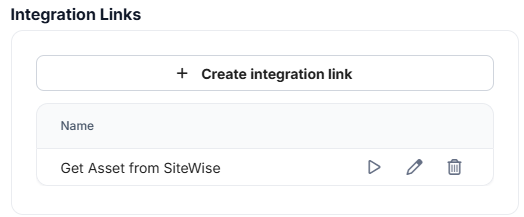
- Enter an Asset ID under the Parameters configuration and click on Test query to see the result. The asset id can be obtained from AWS SiteWise directly.