My Account
The My account provides users with essential information and settings regarding their account. This guide covers each feature available on the Profile Page to help users manage their account information and preferences easily.
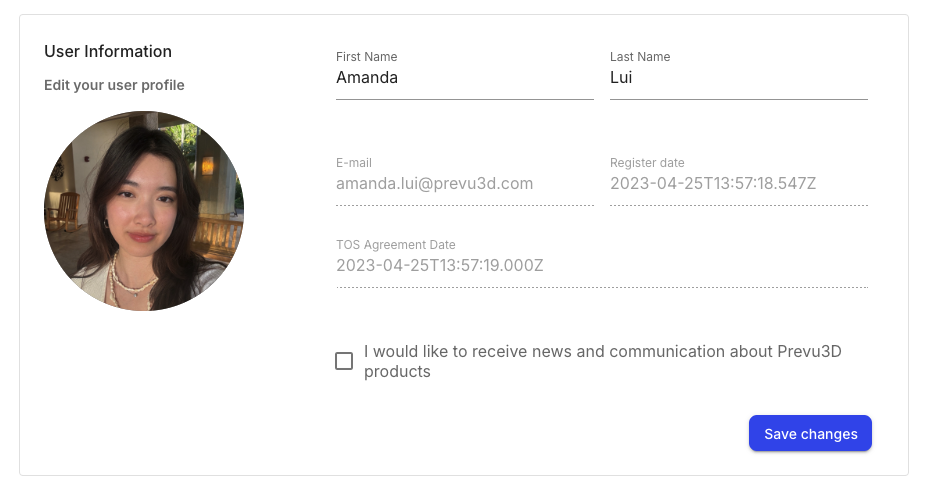
There are 3 editable sections of this profile page
-
Full name: Displays the name associated with your account.
-
Email preferences: Users can choose to receive emails from Prevu3D, such as news, promotions, and updates. Use the checkbox to toggle your selection.
-
Profile picture:
Hoverthe profile picture to upload a new picture or to remove it entirely.